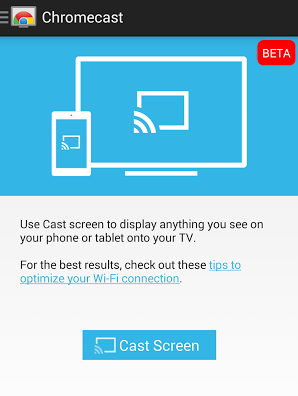
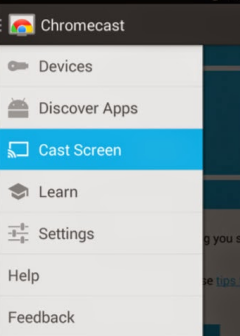
"To start mirroring, simply select 'Cast Screen' from the navigation drawer in the Chromecast app and select your Chromecast device. On Nexus devices, this feature is also available through the quick settings menu," explains Google.
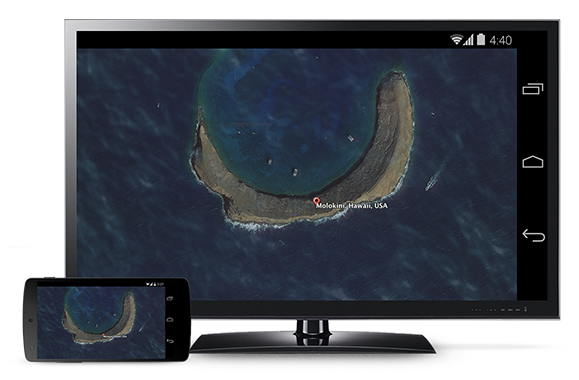
This screenshot shows Screen casting in action. Obviously, the entire Screen is mirrored, including the on-screen navigation buttons, if your device has them.

 07-16-2014, 04:00 AM
 Chromecast Adds Support for Android Screen Mirroring




 العرض العادي

