Facebook gave users a step-by-step guide to the process of Location Sharing Within Messenger, which they can follow using the steps below:
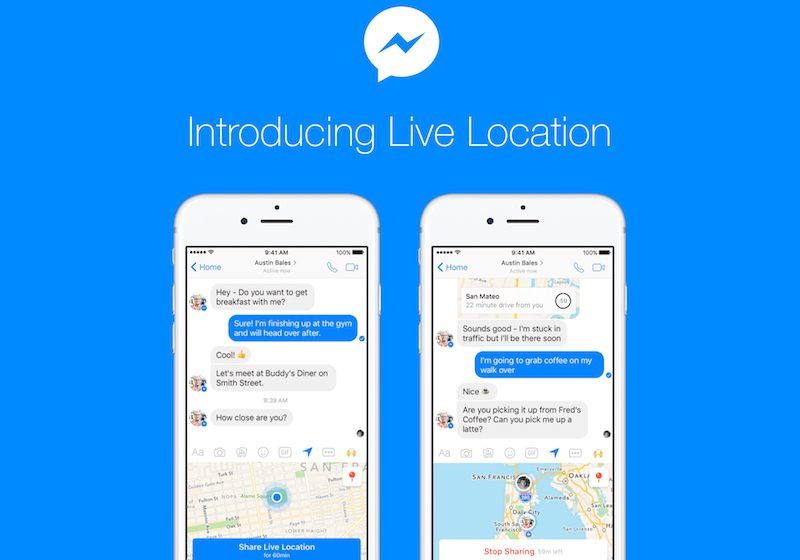
To share your Live Location in a message on iOS, tap the Location icon or tap the More icon and then select Location.
With today's update, you'll see a map of your current Location and the option to tap a blue bar to share your Live Location.
If you choose to share your Live Location, the person or people you share it with will be able to see where you are on a map for the next 60 minutes.
You'll be able to see an estimate of how long it would take to get to others' locations by car. (The ETA is seen by the person with whom the Location is shared.)


 03-28-2017, 03:01 AM
 Facebook Launches Location Sharing Feature Within Messenger Called 'Live Location'


 العرض العادي

