
|
|
#1
 07-06-2016, 07:11 AM
|
|||
|
|||
 Apple Seeds Second Beta of tvOS 10 to Developers
tvOS betas are more difficult to install than Beta updates for iOS and OS X. Installing the tvOS Beta requires the Apple TV to be connected to a computer with a USB-C to USB-A cable, with the software downloaded and installed via iTunes or Apple Configurator. Once a Beta profile has been installed on the device through iTunes, new Beta releases will be available over the air. 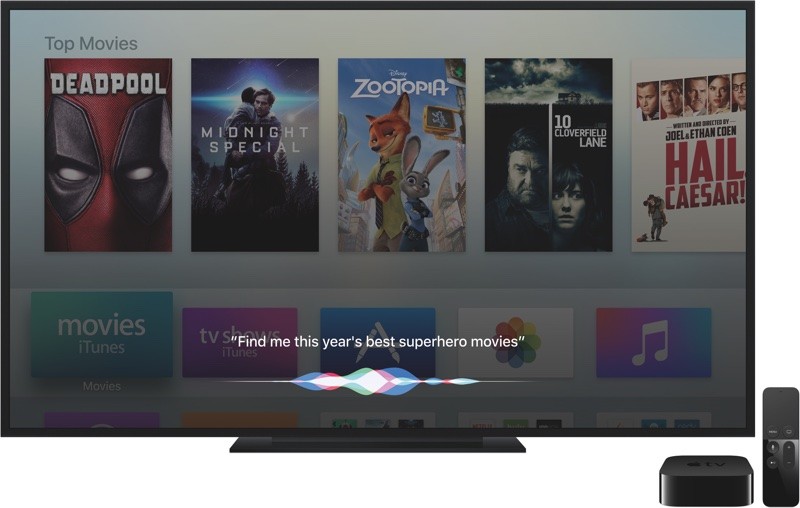 tvOS 10 builds on the features initially introduced in tvOS, bringing expanded Siri capabilities with topic-based search, Live Tune-In for automatically accessing live channels, and options for managing HomeKit accessories. Single-Sign On allows users to sign in and authenticate cable credentials just once instead of requiring authentication in all cable-supported apps, games are **w able to require controllers, and there are new features for Photos and Music. A dark mode offers a better visual experience for darker rooms, universal apps are automatically downloaded, and there's a new Apple TV remote for iOS devices that mirrors the Siri Remote. For a full overview of all of the new features in tvOS 10, make sure to check out our tvOS 10 roundup. Related Roundups: Apple TV, tvOS 10 Buyer's Guide: Apple TV (Neutral) Discuss this article in our forums أكثر... ??????? ??????: Apple Seeds Second Beta of tvOS 10 to Developers || ??????: ahlam1399 || ??????: اسم منتداك

|
 |
|
|


 العرض العادي

