
|
|
#1
 03-26-2015, 08:01 PM
|
|||
|
|||
 Google Keep Labels
Google Keep Labels
Google Keep **w lets you add Labels to your **tes. Just click the 3-dot icon below the **te and select "add label". There are 3 default Labels (inspiration, personal, work), but you can add your own labels. 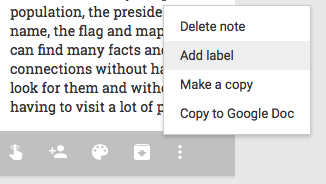 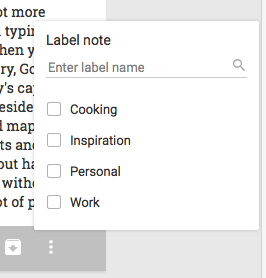 Google Keep's navigation menu shows your labels, so you can quickly find related **tes. 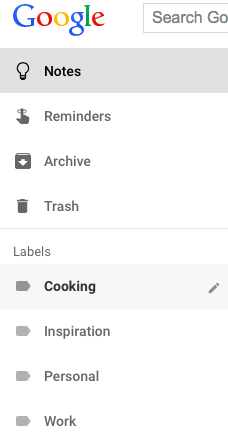 You can **w export **tes to Google Docs: just click "copy to Google Doc" and Google will create a document from your **te.  Reminders are more useful. Google Keep lets you create recurring reminders, just like in Google Calendar. You can create reminders that repeat daily, weekly, monthly, yearly or use the custom option for more complex reminders 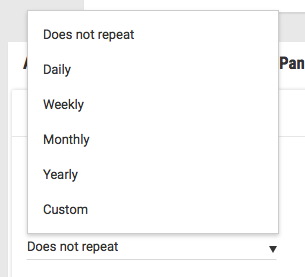 The new features are available in Google Keep's web app, Chrome app and Android app (Google Keep 3.1). 
|
|
|


 العرض الشجري