
|
|
#1
 09-20-2016, 09:51 PM
|
|||
|
|||
 macOS Sierra: How to Use Apple Pay on the Web
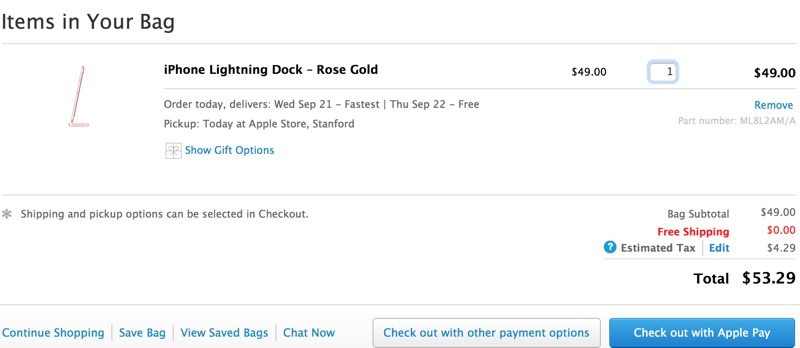
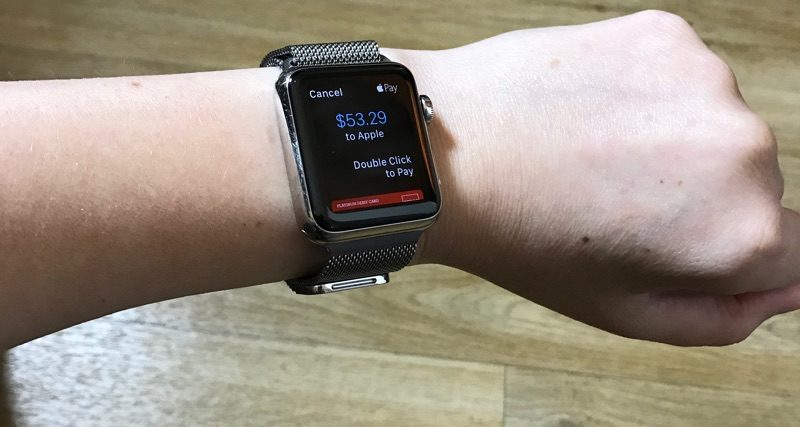
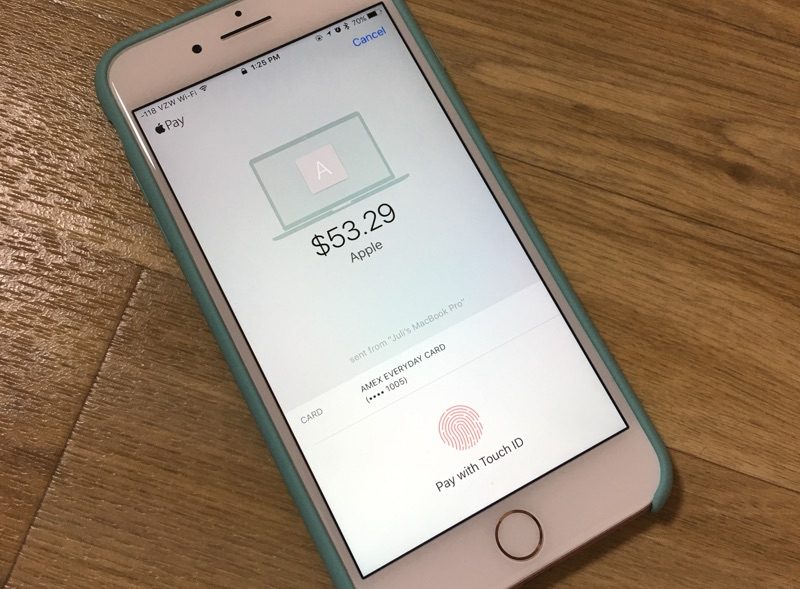
On Macs, Apple Pay for the web requires an iPhone with Touch ID and Apple Pay support or an Apple Watch, as payments are authenticated through the phone or watch. Apple Pay on the web requires merchants to adopt Apple Pay, so it isn't yet available everywhere, but support has started rolling out. 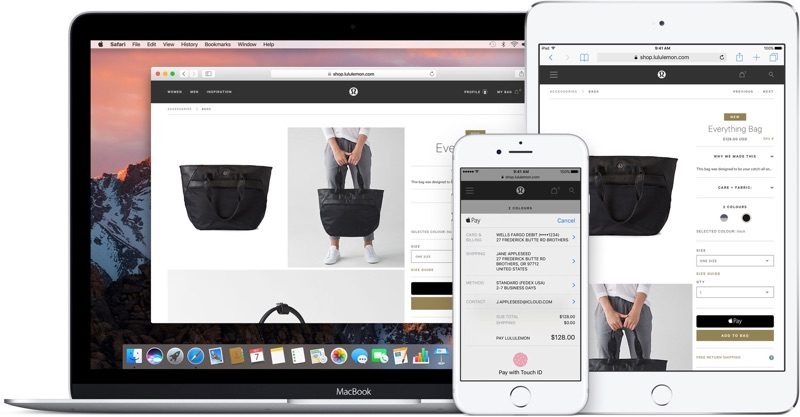 Sites like Time Inc., Wayfair, and Apple's own online Apple Store have started accepting Apple Pay, and payment processors like Stripe, Big Commerce, Shopify, and Squarespace all offer support, so it may be almost everywhere in just a couple of months. Here's how it works:
 Apple Pay on the web is a Continuity feature so it requires a Mac with Bluetooth 4.0 support. It is compatible with the following machines running macOS Sierra: - MacBook (Early 2015 or newer) - MacBook Pro (2012 or newer) - MacBook Air (2012 or newer) - Mac mini (2012 or newer) - iMac (2012 or newer) - Mac Pro (Late 2013) Apple Pay also requires an iPhone 6 or later running iOS 10 or an Apple Watch with watchOS 3, and it only works with the Safari browser. Apple Pay on the web is also available on iOS devices and will be available as long as one card has been added to the Wallet app on the iPhone. Related Roundup: macOS Sierra Discuss this article in our forums أكثر... ??????? ??????: macOS Sierra: How to Use Apple Pay on the Web || ??????: ahlam1399 || ??????: اسم منتداك

|
 |
|
|


 العرض العادي

