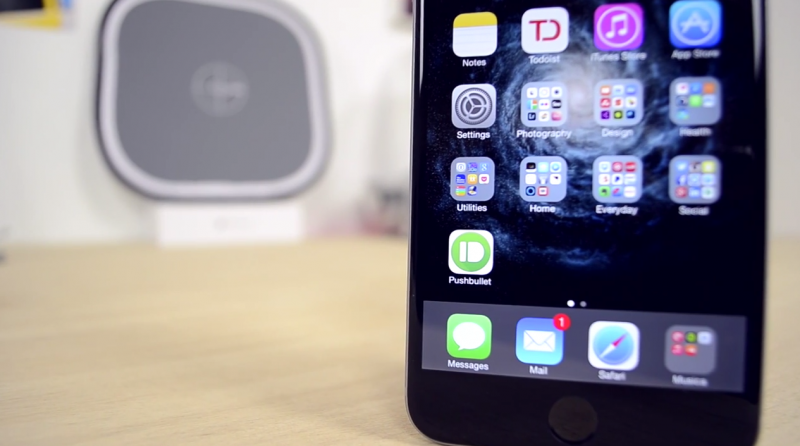
Following the release of Pushbullet for iOS, Mac, and Safari, we have been testing out the new software to see how well it keeps **tifications, links, photos and other files in sync between devices. Pushbullet is the marriage of AirDrop, **tifyr and other OS X Yosemite features in one package, but is it a worthwhile alternative? Find out our First Impressions in our Hands-On video ahead.
The process of setting up Pushbullet takes just a few minutes. Depending on which platforms or web browsers you want to send and receive links and files between, download the Pushbullet apps or extensions that you need and make sure that iOS to Mac **tifications and universal copy and paste are enabled in each app's preferences. iOS and Mac apps are available alongside Safari, Chrome, Firefox and Opera extensions.
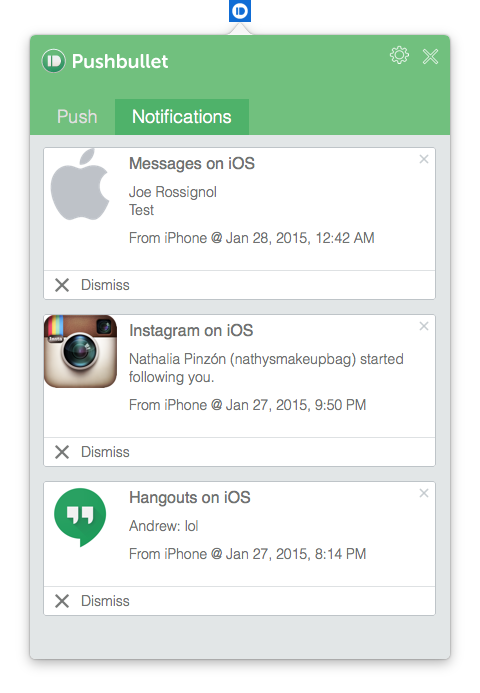
You can optimize your experience further by going into the Mac app's preferences and checking off specific apps that you would like to receive iOS **tifications from. For instance, if you already receive mail **tifications on your desktop, then you probably don't need Pushbullet pushing the same mail **tifications from your iPhone. **tification settings can be configured for both stock and third-party apps.
Pushbullet for iPhone has four tabs: Pushbullet, Contacts, Channels and Settings. The main launch screen allows you to compose a message, add links, attachments or maps, and send it to a**ther device you have set up Pushbullet on. Contacts displays a list of your paired devices, contacts and subscriptions. Channels provides push **tification feeds that you can subscribe to. Last, the Settings tab gives you a few options such as your choice of Safari or Chrome for opening links and Apple Maps or Google Maps for opening addresses.
While much of its core functionality is already possible through other apps and services, Pushbullet for the most part has proved to be a faster and more reliable solution for quickly sending **tes, links, files and more between a smartphone and computer or vice versa. Channels also provide a great way for receiving **tifications from a particular source so that you can stay informed at all times.


 01-29-2015, 12:31 AM
 Hands-On First Impressions of Pushbullet for iOS, Mac, and Safari [iOS Blog]


 العرض العادي

